ASNR2026: Adding Pre-Conference Workshop to Registration
Follow these step-by-step instructions to add the BCI Pre-Conference Workshop to your existing ASNR2026 conference registration.
1. Log in to your account at www.asnr.com.

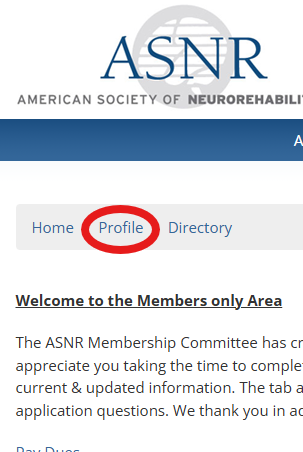
2. On the member homepage, click Profile.
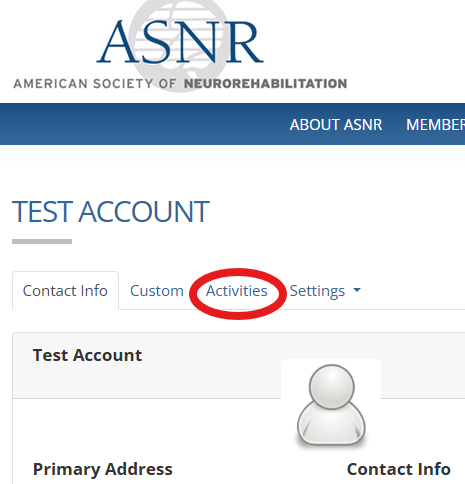
3. On your account page, click on the Activities tab.
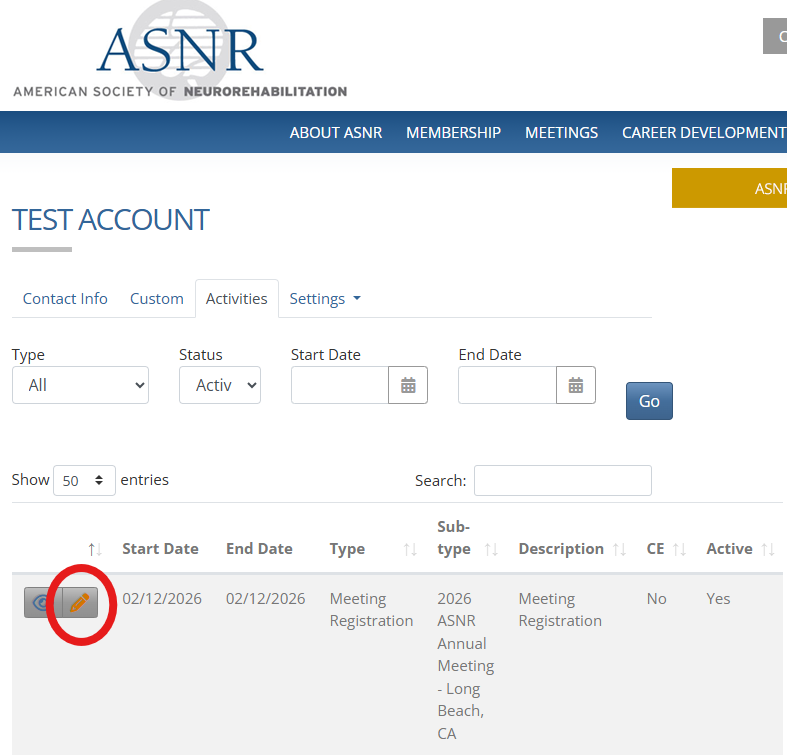
4. Click the yellow pencil next to 2026 Annual Meeting Registration.
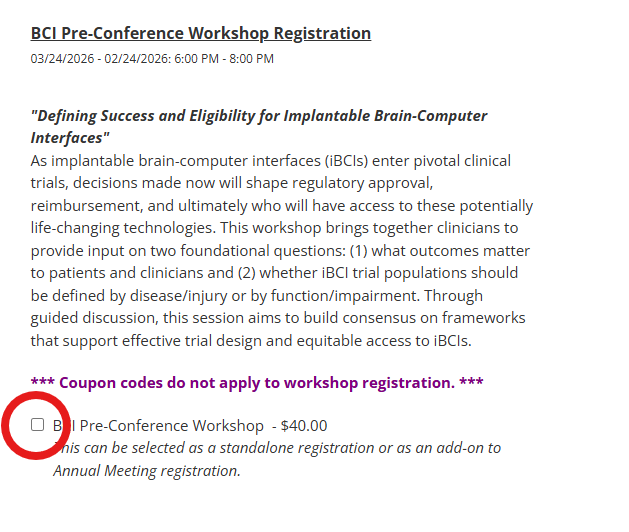
5. Click on the checkbox next to the BCI Pre-Conference Workshop to add it to your registration. Scroll to the bottom of the page and click "Save and Review Changes".
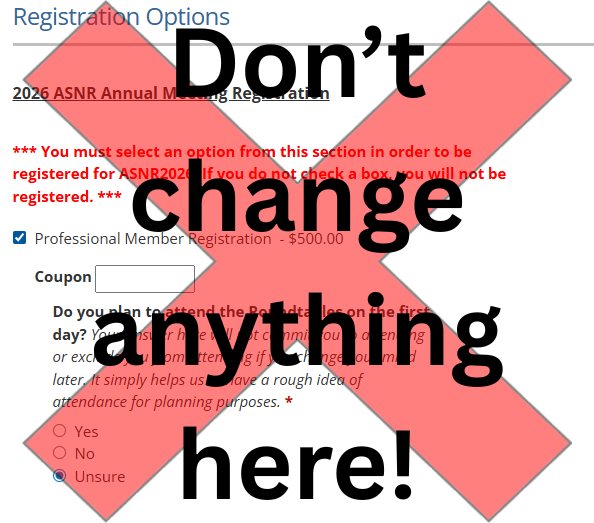
***VERY IMPORTANT***: The conference registration you previously selected will appear when you access the page to add the workshop to your registration. Please do not make any modifications to your existing conference registration. If you need to make any changes to your pre-existing registration, please email info@asnr.com.
6. On the next screen, enter payment information for the Pre-Conference Workshop registration fee, then click "Finalize and Submit Changes". You're done!